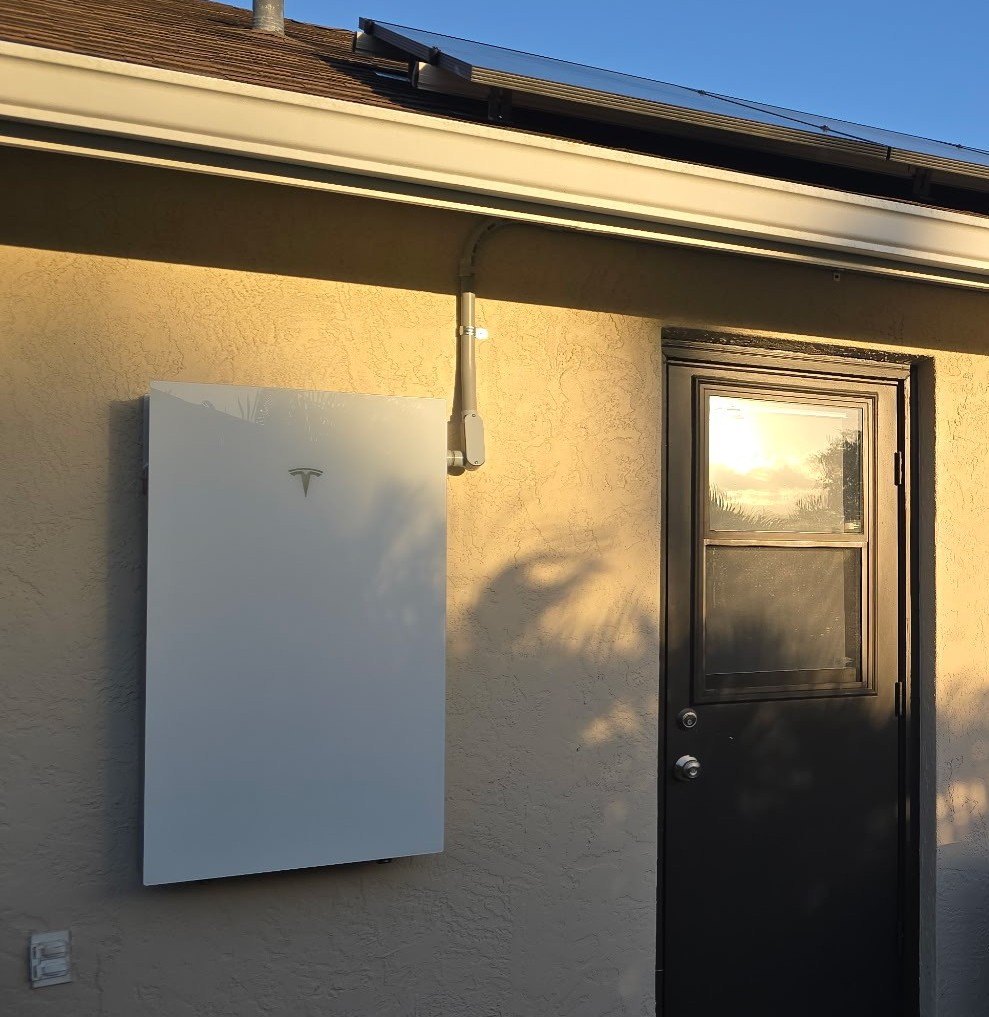
Battery apps make backup power look simple, but several settings work together behind the scenes. Understanding the basics helps you set realistic expectations and ask better questions before storm season or an outage.
What does the reserve setting do?
The backup reserve is the portion of battery energy held for an outage. A higher reserve generally keeps more energy available for backup, while a lower reserve may allow more battery use during normal daily operation.
The right setting depends on your priorities, expected weather, outage risk, system design, and how much energy your home uses. Changing a reserve percentage does not increase the battery’s total capacity—it changes how that capacity is allocated.
What will the battery power?
Some systems back up an entire home; others serve a selected group of circuits. Large loads such as central air conditioning, electric heat, pumps, ovens, or vehicle charging can use energy quickly and may not be included in every backup design.
- Know which circuits are intended to remain on.
- Understand which large loads should be limited during an outage.
- Identify essential needs such as refrigeration, communications, medical equipment, or a well pump.
- Ask how long the system may support those loads under typical conditions.
Will solar recharge the battery during an outage?
Many solar-plus-storage systems are designed to use solar during an outage, but the exact behavior depends on the equipment and configuration. Available sunlight, battery state of charge, household demand, and system limits all affect the result.
A sunny day does not guarantee unlimited backup power. If household demand is higher than the system can support, the battery may discharge faster than solar can replenish it.
Useful questions to answer now
- Is the battery currently online and communicating?
- What is the backup reserve percentage?
- Which circuits or loads are backed up?
- Does the app show any active alerts?
- Has the system successfully switched to backup before?
- Who should you contact if it does not behave as expected?
When something does not look right
Capture screenshots, note the battery percentage, record any alert, and describe what was running at the time. Do not remove equipment covers, change wiring, or enter an energized panel. Those details help support start with useful context.
Want help understanding your backup setup?
SOS can help you organize the questions, review the information available, and decide whether a consultation or diagnostic visit makes sense.